Use your Zwift Ride without paying for Zwift
I use a decade-old iPad for my Zwift Ride at home. After psyching myself up for a brutal workout I was 8 minutes in before Zwift crashed mid-ride. $20 a month just for that? So I integrated a super simple KICKR Core v2 into the Corsai Mobile app for myself and anyone else who wants a dead simple indoor trainer experience. No, you will not hear the glorious cheering from Watopia but at least your wallet and sanity might be better for it.
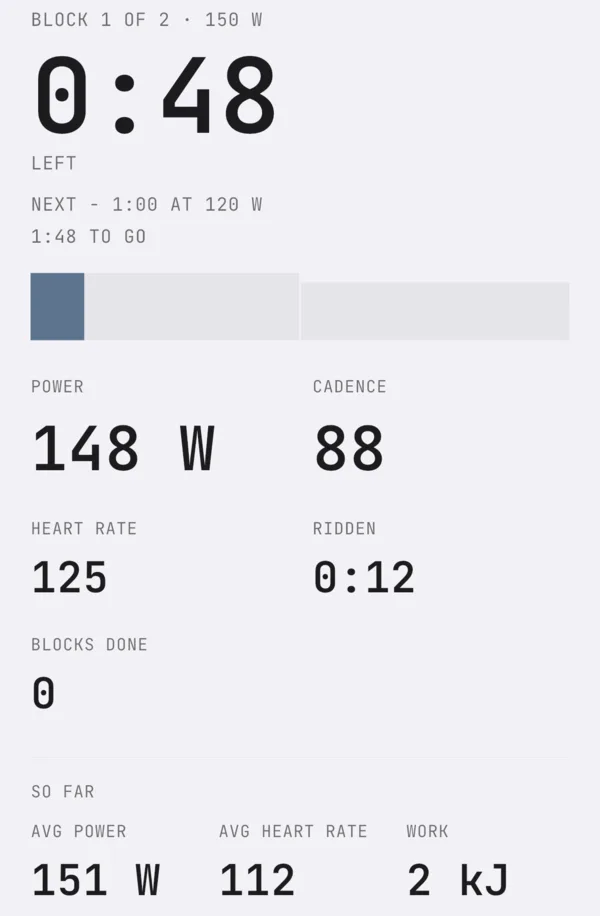
Corsai Mobile, our iPhone app, runs ERG workouts on a KICKR Core over Bluetooth with no account and no subscription (it's free while it's in beta), and records power, cadence and heart rate every second into a .fit you can keep or send to Strava.
What it looks like in Corsai
Corsai uses the standard Bluetooth protocol for fitness machines.
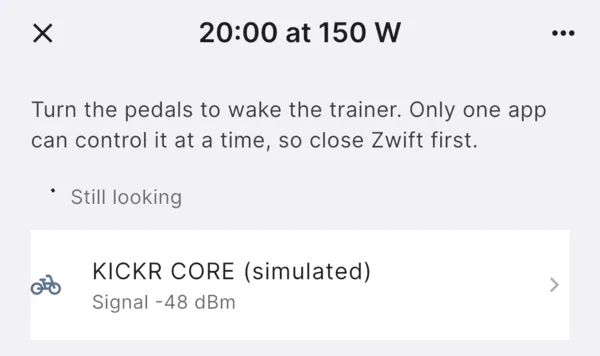
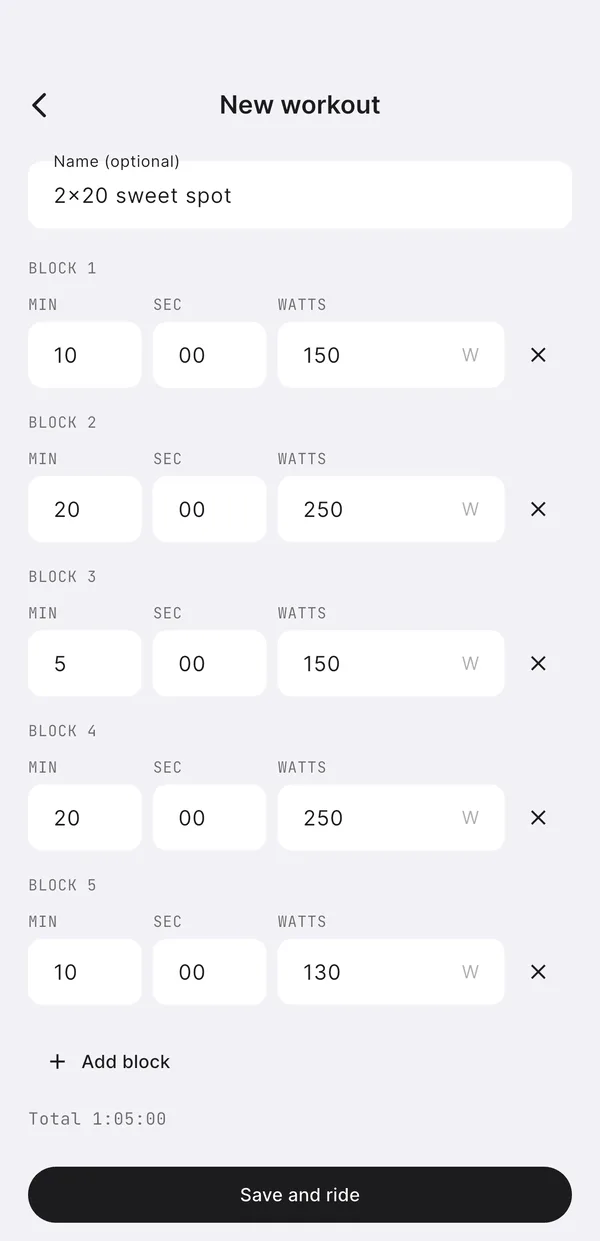
Another thing that grinds my virtual gears is Zwift's workout builder. I have to use my old iPad to build workouts (no web, not installed on PC) and it's clunky. I have to click the little text blocks to edit, if I click out or miss a digit then the duration goes to zero and goodbye block. I just hate it. Corsai's workout builder is ugly, minimal but dirt simple and I got a 2x20 block workout up in what, 10 seconds?
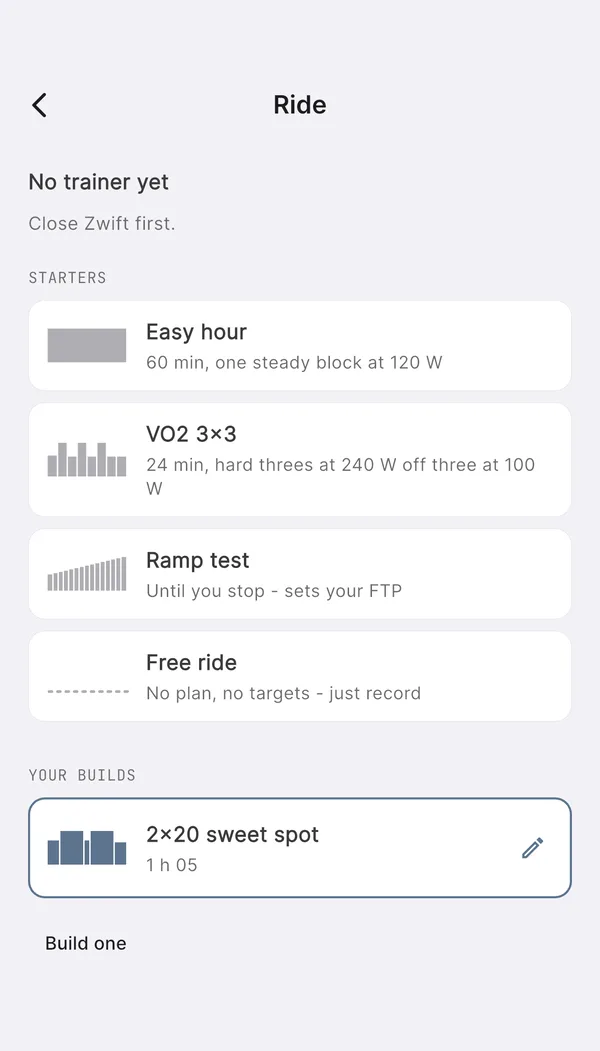
Setting it up
What it's like
You build the workout and Corsai runs it. You can bias up and down but there is no route visualization or any other fancy stuff. The experience is purposefully minimal and just works and you can pause or end early and save as necessary.
Disclaimer: I love Zwift, I pay for Zwift, but sometimes I hate Zwift. I also believe your hardware should be usable without a subscription worst case.
NEXTJoin the iPhone betaCORSAI MOBILE →