Your Zwift ride went to somebody else's Strava
Two people ride on one Zwift account, only one of them has it linked to Strava, and every ride ends up on his profile while none of them ever show up on hers. My girlfriend rides on my account, so her intervals have been turning into my intervals for months, and she had worked out the fix on her own well before I got around to writing any of it down.
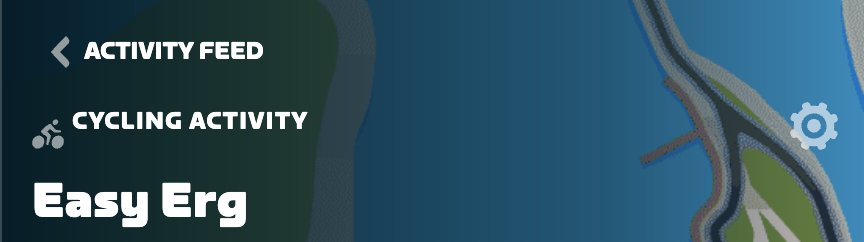
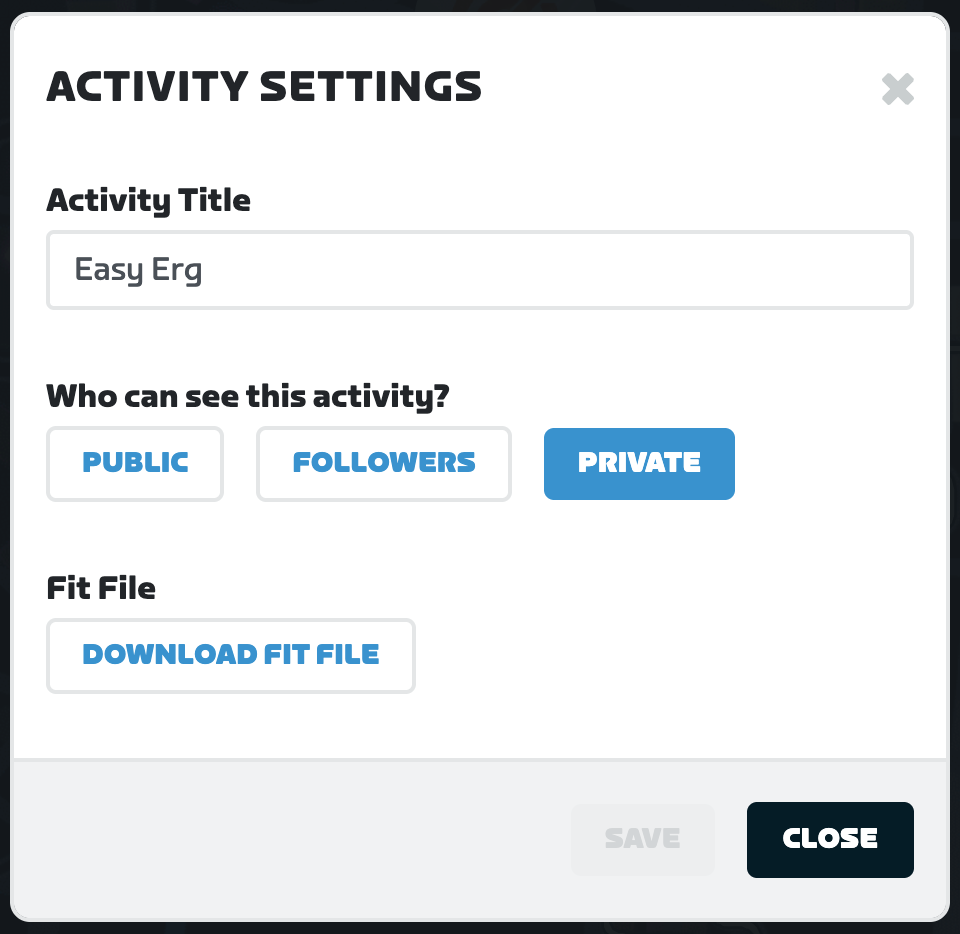
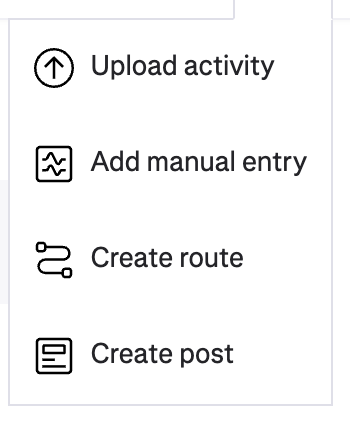
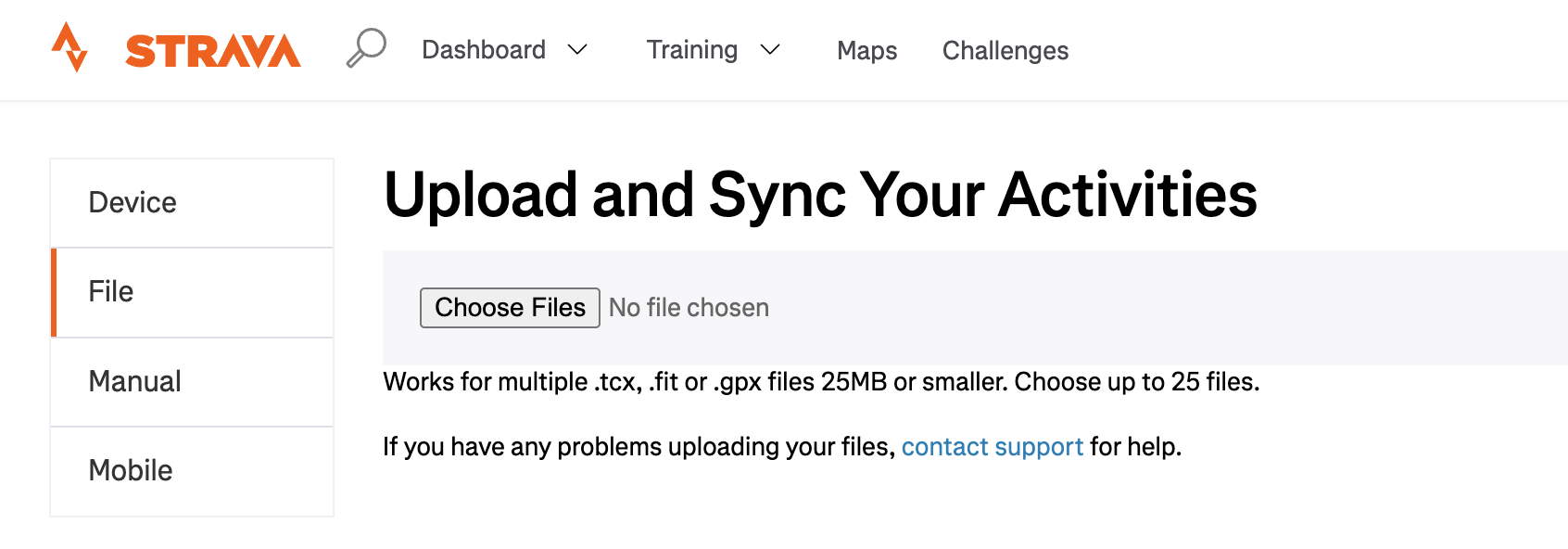
Open the ride on my.zwift.com, hit the gear icon, and click DOWNLOAD FIT FILE. Then go to strava.com/upload on the account it should have gone to, pick the File tab, and choose that .fit. Takes about two minutes and Strava doesn't charge anything for it.
The steps
Why the web copy and not the folder on your computer
Zwift writes the file to your machine while you ride, so on a Mac or a PC it is already sitting in Documents/Zwift/Activities with the newest one being your last ride, and if that is where you ride then the folder is faster than everything above. Plenty of people are on an Apple TV or an iPad though, and Zwift Insider's writeup on retrieving a lost ride says there is no way to get at the local .fit on an Apple TV, so the folder route is a fix for maybe half the people who need one.
The copy on Zwift's servers doesn't care what you rode on, so that's the version I ended up writing down. And the upload half was never the hard part, since Strava has taken files dragged in from anywhere for free for years, so pretty much all of the difficulty in this is finding the file.
One thing worth knowing before you go hunting for a shortcut: Strava's help page on Zwift says historical activities won't sync from Zwift to Strava, so linking a second account later does nothing about the rides that already happened and you are moving those one at a time regardless.
What it looks like on the other account
The .fit is the file the trainer wrote, so power and cadence and heart rate are all sitting inside it and they come through the upload, and Strava recalculates its own numbers off that rather than off anything Zwift told it, so you get the graphs and the time in zone out of it, which is the reason to move the file at all instead of typing the ride in by hand on Strava's Manual tab.
What doesn't come across is the stuff Zwift adds around the file when it syncs directly, so the ride photos and the tidy route name aren't in there and I think the activity turns up looking a bit plainer with the same data in it. Rename it yourself if the default title bothers you.
The second Zwift account might just be the answer
Zwift's pricing page lists one membership at $19.99 a month or $199.99 a year, and there's no family plan or second-rider discount on it anywhere, so a second account costs the same as the first one. That is real money to avoid a two minute download and I'm not going to pretend it isn't.
Sharing costs something too though, because a Zwift account is as far as I can tell one profile with one weight in it, so two people of different sizes taking turns means somebody is either editing that number every swap or riding with the wrong one, and every watts-per-kilo either of you produces is a bit fictional after that. I also haven't tested whether Zwift will hold links to two Strava accounts at once, and I'd assume not, since it reads like one connection in the settings rather than a list you add to.
If you're both riding a few times a week I think the second account is probably the call, and if it's more like once every couple of weeks the download is fine.
Once you have the file
You're holding a .fit now, and Strava will show you its version of it, but our ride analyzer reads the same file in the browser and gives you the power curve and whatever intervals it can find without the file going anywhere. We're building the Corsai app for iPhone as well, which is meant to handle this sort of thing without the download step, and it's in beta now if you want to try it (join the beta here).